You check the weather every morning. It shapes what you wear, whether you grab an umbrella, and if a weekend trip gets the green light or the rain check. But the free weather app that came with your phone only scratches the surface. The best weather apps 2026 offer radar precision, hyperlocal data from backyard sensors, and forecasts informed by some of the most powerful supercomputers on the planet. Choosing the right one depends on how you use weather information and what stakes ride on getting it right.
Comparison Table: Best Weather Apps 2026 at a Glance
| App Name | Best For | Price | Radar Quality | Alerts | Standout Feature |
|---|---|---|---|---|---|
| The Weather Channel | All-around daily use | Free / $4.99/mo | ★★★★★ Future-cast 48hr, hi-res | ★★★★★ Severe, lightning, allergy | IBM GRAF model, 250K stations |
| AccuWeather | Rain timing to the minute | Free / $3.99/mo | ★★★★☆ Good, secondary to rain focus | ★★★★☆ Rain alerts, lifestyle indices | MinuteCast rain start/stop |
| Weather Underground | Hyperlocal neighborhood data | Free / $3.99/mo | ★★★★☆ WunderMap with PWS stations | ★★★☆☆ Crowd-sourced, varies by sensor | 250K+ personal weather stations |
| NOAA Weather Radar | Raw gov data, zero spin | Free / $4.99 one-time | ★★★★★ Full-res NWS, no compression | ★★★★★ NWS watches & warnings direct | Hurricane tracker, NHC cone |
| MyRadar | Fastest radar on mobile | Free / $5.99 one-time | ★★★★★ Loads in under 2 seconds | ★★★★☆ NOAA watches & warnings | Aviation layers, wildfire overlays |
| Carrot Weather | Weather with personality | Free / $4.99-$9.99/mo | ★★★☆☆ Less detailed than radar-first | ★★★★☆ Custom thresholds, reliable | Pick your data source (4 options) |
The Weather Channel: The All-Rounder
The Weather Channel app draws from IBM’s Weather Company data pipeline, which ingests observations from more than 250,000 weather stations globally. Temperature predictions consistently land within 2 degrees through day five, according to verification data from the National Weather Service.
- Pros: Clean radar maps with future-cast animation out to 48 hours. Severe weather alerts push to your lock screen before local news covers them. Flu and allergy indices updated daily from CDC and pollen monitoring data.
- Cons: Heavy ad load on the free version, video ads autoplay between screens. Feature-packed interface requires more taps than necessary for simple hourly checks. Ad-free tier at $4.99 per month, slightly above competitors.
- Pricing: Free with ads. Ad-free at $4.99 per month.
The Weather Channel works best when you want a complete weather picture without switching apps. It wins on breadth, not speed.
AccuWeather: Best for Rain-by-Rain Detail
AccuWeather built its reputation on MinuteCast, which predicts rain start and stop times to the minute for your exact location. Their proprietary models blend 176 forecast techniques into a single consensus prediction, an approach the National Oceanic and Atmospheric Administration recognizes as one of the more sophisticated ensemble methods outside government meteorology.
- Pros: MinuteCast delivers hyper-local precipitation timing unmatched by competitors. RealFeel temperature accounts for humidity and wind, plus sun angle. Lifestyle forecasts cover arthritis pain plus migraine risk and mosquito activity.
- Cons: Free version pushes premium upsells at every feature tap. Some meteorologists criticize long-range forecasts beyond 10 days as overconfident. Interface redesigns have frustrated longtime users.
- Pricing: Free with ads. Premium+ at $3.99 per month.
AccuWeather suits people whose plans change on a half-hour timeline. If knowing exactly when rain stops determines whether you walk the dog or wait, this is your app.
Weather Underground: The Neighborhood Specialist
Weather Underground connects to more than 250,000 personal weather stations (PWS) run by hobbyists and schools, scattered across backyards and rooftops. This hyperlocal network fills gaps between official NOAA observation sites, which can sit 20 miles apart in rural areas. Your actual temperature may differ by 3 to 5 degrees from the nearest airport station. Weather Underground shows you a sensor three blocks away.
- Pros: PWS network delivers street-level temperature and rainfall readings no other app matches. WunderMap plots every nearby station on an interactive map. Smart Forecasts use machine learning trained on your specific PWS history.
- Cons: Data quality varies by station, poorly maintained sensors report misleading readings. Free version banner ads compress the radar view. Interface prioritizes data density over design polish.
- Pricing: Free with ads. Ad-free at $3.99 per month.
Weather Underground rewards the detail-oriented user. If you want a weather station in your own backyard without buying one, the PWS network is the closest thing available.
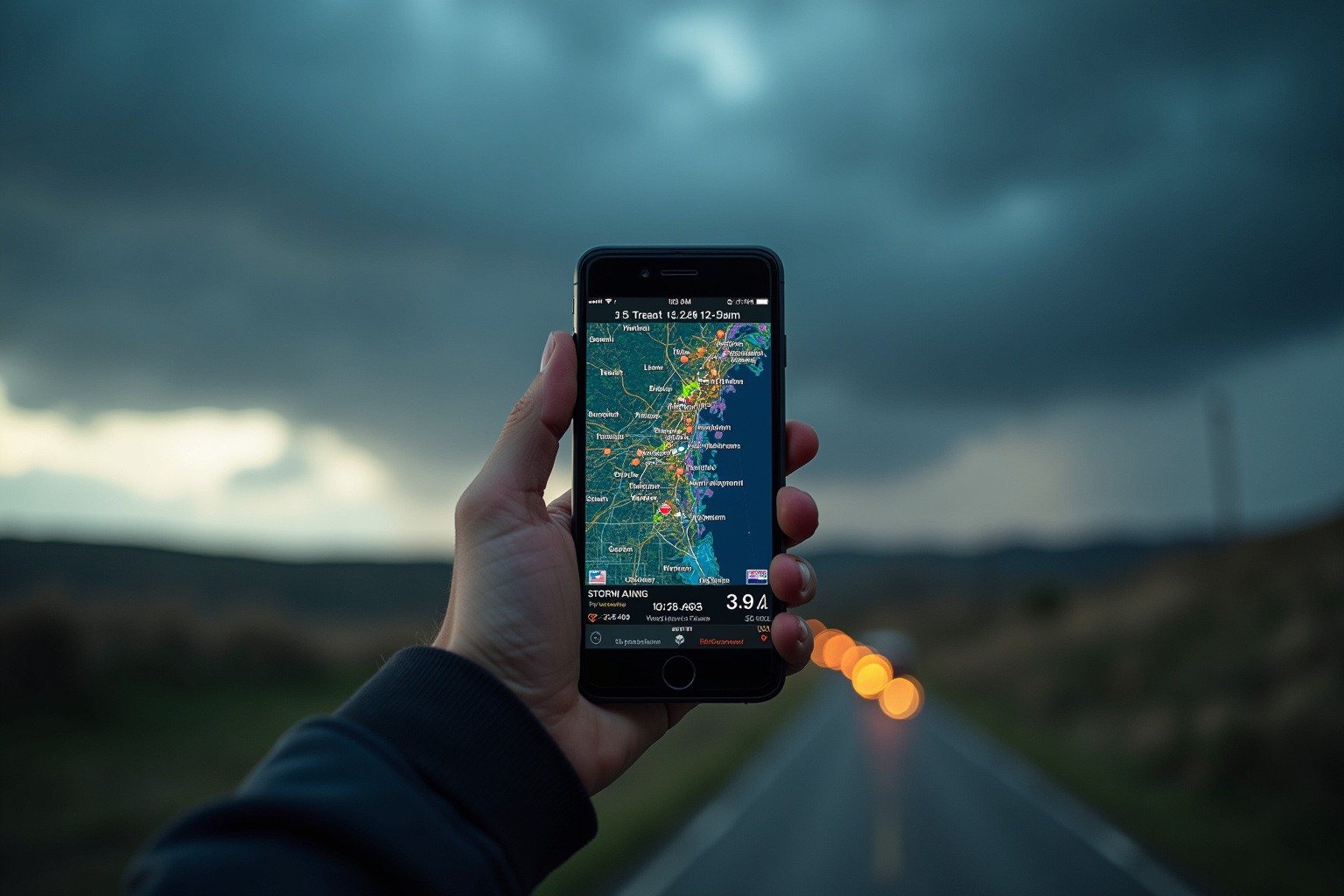
NOAA Weather Radar Live: The Government’s Own Data
NOAA Weather Radar Live pulls forecasts and radar directly from National Weather Service servers with no intermediary models. The data that powers every other weather app originates here. You get the raw product, updated as soon as NWS pushes new model runs.
- Pros: Direct NOAA/NWS data with no third-party interpretation. Radar loops render at full resolution without compression artifacts. Hurricane tracker with official National Hurricane Center cone and advisory text. No ads, no tracking, no data collection.
- Cons: Interface is functional but sparse, no lifestyle indices or allergy forecasts. Radar color tables use the raw palettes trained meteorologists read. iOS and Android only, no web version.
- Pricing: Free. Pro version with advanced radar layers at a one-time $4.99.
This app belongs on the phone of anyone who wants the data without the marketing. Storm spotters and pilots plus farmers prefer it. It works reliably in weak-signal areas because data payloads are lighter than media-heavy commercial apps.
MyRadar: The Fastest Radar in Your Pocket
MyRadar prioritizes one thing: loading high-definition radar animation faster than any competing app. Tap the icon and you see animated reflectivity within two seconds. How weather satellites predict storms depends on rapid data processing, and MyRadar compresses that chain into an interface that feels instant.
- Pros: Fastest radar load time, consistently under two seconds. Aviation layers including AIRMETs and SIGMETs plus PIREPs for pilots. Wildfire and tropical storm overlays updated every few minutes. 50 million downloads with a 4.8-star rating.
- Cons: Daily forecast detail is secondary to radar, text forecasts feel like an afterthought. Free version limits simultaneous overlay layers. Pro features cost a one-time $5.99.
- Pricing: Free with ads. MyRadar Pro one-time purchase at $5.99.
MyRadar is the app you open when the sky looks suspicious. It complements a daily-forecast app rather than replacing one.
Carrot Weather: The Personality Pick
Carrot Weather delivers accurate forecasts wrapped in dark-comedy persona. Behind the jokes, Carrot pulls data from multiple providers and lets you choose your preferred source in settings, a transparency most weather apps avoid.
- Pros: Choose your data source: Apple Weather, Foreca, AccuWeather, or MeteoGroup. Time travel feature scrolls through weather data for any date in the past 70 years. Customizable widgets and complications plus notification rules that actually work.
- Cons: Best features including notifications and data source selection require Premium at $4.99 per month. Humor is polarizing, some users find the snark grating. Radar maps less detailed than dedicated radar apps.
- Pricing: Free tier with limited features. Premium at $4.99 per month. Premium Ultra at $9.99 per month.
Carrot Weather makes sense for people who check the weather multiple times a day and want the ritual to be entertaining.
How Weather Apps Get Their Data
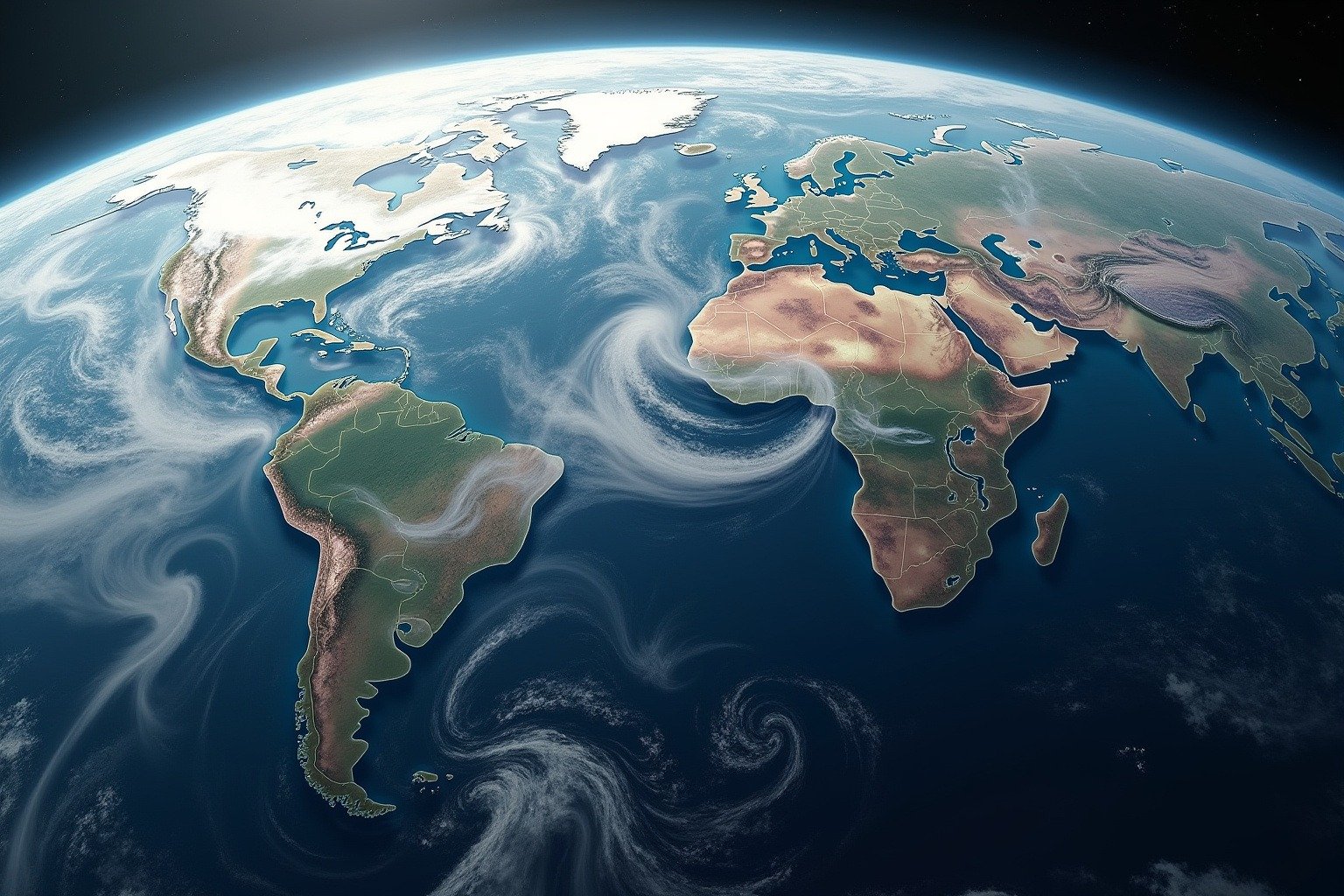
Every weather app traces its data back to the same foundation: observations collected by the National Weather Service and NOAA. Surface stations, weather balloons, satellites, ocean buoys: all feed into global forecast models run on supercomputers. The apps differ in what they do with that raw output.
The Weather Channel runs IBM’s GRAF model, a global high-resolution system updating every hour. AccuWeather layers proprietary statistical corrections on top of government model outputs. Weather Underground crowdsources ground-truth data from personal weather stations to correct model bias at the neighborhood scale. NOAA Weather Radar Live skips the middleman entirely. MyRadar focuses on rapid radar visualization. Carrot Weather aggregates multiple providers and lets you choose.
How barometric pressure affects your body is just one reason the data source matters. Apps blending multiple inputs smooth out errors any single model introduces.
Which Weather App Should You Choose?
Your ideal weather app depends on how you use weather data : and what happens when you get it wrong. Here are our specific recommendations by use case.
For the Daily Commuter
Best pick: AccuWeather. MinuteCast tells you whether rain starts before or after your walk to the train. No other app matches its precipitation timing precision. Pair with The Weather Channel for the morning overview: temperature, wind, and any commute-disrupting alerts in one screen. Combined cost: free for both with ads, $8.98/month for ad-free versions.
For Boaters and Mariners
Best pick: NOAA Weather Radar Live. Marine forecasts, buoy data, and official National Weather Service watches and warnings with zero intermediary interpretation. When you are five miles offshore and the sky changes, you need the source data : not a media company’s version of it. Backup: MyRadar for rapid radar on marginal cell signals and aviation wind layers useful for coastal navigation. Cost: free (NOAA) + $5.99 one-time (MyRadar Pro).
For Storm Chasers and Severe Weather Trackers
Best pick: MyRadar + NOAA Weather Radar Live. MyRadar loads high-definition reflectivity in under two seconds : critical when you are tracking a rotating wall cloud. NOAA Weather Radar Live adds official NWS warning polygons, storm-relative velocity, and a hurricane tracker with National Hurricane Center advisory text. No commercial app matches the raw diagnostic tools in this combination. Cost: free (NOAA) + $5.99 one-time (MyRadar Pro).
For Outdoor Workers (Farmers, Construction, Landscapers)
Best pick: Weather Underground. The personal weather station network puts a sensor closer to your job site than any airport station. Temperature differences of 3 to 5 degrees Fahrenheit between official sites and your location matter when you are deciding whether to pour concrete or spray crops. Smart Forecasts learn from your nearest PWS history for site-specific accuracy. Cost: free with ads, $3.99/month ad-free.
For Parents Planning Kids’ Activities
Best pick: The Weather Channel. Allergy index, flu risk, UV forecast, and hourly temperature in one screen. Future-cast radar animation tells you whether the soccer game stays dry through the final whistle. Severe weather alerts push to your lock screen before the coach gets the text. Cost: free with ads, $4.99/month ad-free.
For Privacy-Conscious Users
Best pick: NOAA Weather Radar Live. No ads, no tracking, no data collection, no account required. Every other app on this list monetizes your location data or serves targeted ads. NOAA Weather Radar Live asks for nothing and delivers the same data the pros use. Cost: free. Pro version with advanced radar layers for a one-time $4.99.
For the Weather Obsessed (20+ Daily Checks)
Best pick: Carrot Weather Premium Ultra. If you check the weather constantly, you may as well enjoy it. Carrot layers genuinely useful features : multi-source data selection, time travel through 70 years of weather history, customizable complications : under a personality that keeps the ritual fresh. The snark is optional. The data source transparency is not. Cost: $9.99/month for Premium Ultra.
The Two-App Rule
Most people benefit from pairing two apps: a daily-forecast app for morning planning and a radar-first app for real-time sky checks before heading outside. The Weather Channel + MyRadar is the most popular combination across our readership. AccuWeather + NOAA Weather Radar Live is the most accurate pairing for users who want precision timing with raw government data as backup.
Bottom line: the best weather app is the one you actually check. Start with a free tier. Upgrade only for features you use daily. And remember that beyond day seven, even the best models are making educated guesses.
What to Look For in a Weather App
Radar quality matters more than forecast length. Past day seven, accuracy drops sharply regardless of the data source. When comparing the best weather apps 2026, prioritize high-resolution radar and fast animation over extended outlooks.
Data source transparency tells you whether the app builds on NOAA’s foundation or replaces it with proprietary guesswork. Apps disclosing their sources, like Carrot Weather and NOAA Weather Radar Live, earn more trust.
Notification control separates a useful weather app from an annoying one. The best apps let you set thresholds: alert me when rain probability crosses 50 percent, not every time a cloud passes. Severe weather alerts should break through Do Not Disturb. Everything else should wait.
Free trials let you test premium features before committing. Most apps offer a free tier covering the essentials. Upgrade only the features you will actually use daily.